
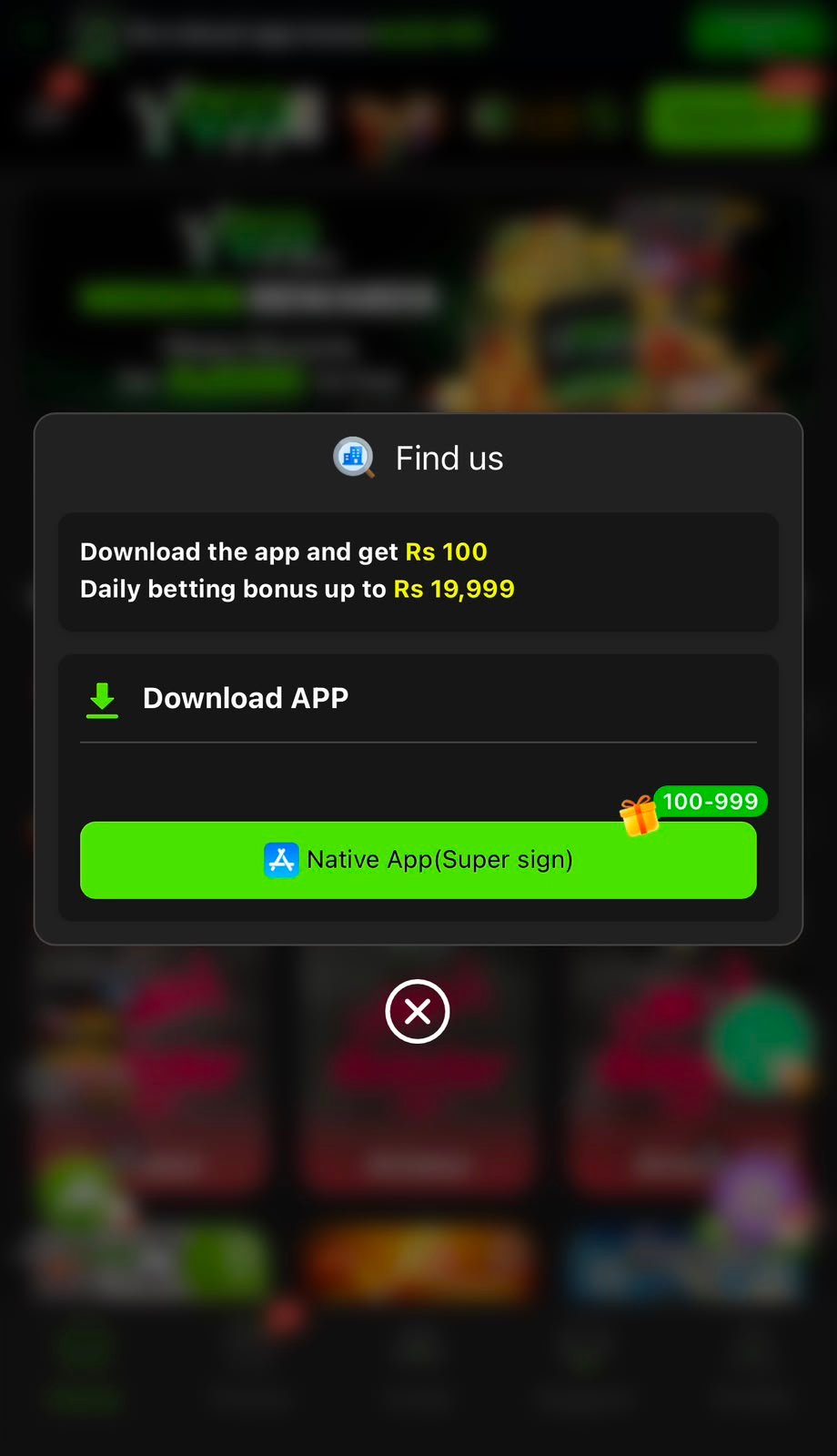
Y999 APK Information
| App | Y999 |
|---|---|
| File type | Android APK |
| Install type | Manual |
| iPhone | Browser + Add to Home Screen |
| PC / Mac | Browser |
| Price | Free |
Install Y999 on Android
- 1
Get the official file
Download only from the confirmed Y999 source. Avoid Telegram, Facebook and APK mirror sites.
- 2
Allow unknown apps
Android 8+: Settings → Apps → Special app access → Install unknown apps. Older: Settings → Security → Unknown sources.
- 3
Install
Open the APK from Downloads and tap Install. It takes under a minute.
- 4
Open the app
Launch Y999, then Register or Login. You can switch unknown apps off again.
iPhone and PC Access
On iPhone, open the Y999 website in Safari and use Share → Add to Home Screen. On PC or Mac, open the website in any modern browser and log in with the same account.
Fix Install Problems
- “App not installed”: delete the old version, then install again.
- Parse error: download the file again — it may be incomplete.
- Blocked by Play Protect: confirm the source, then choose Install anyway only if you trust it.
- Not enough storage: free up space and retry.
Download Safety
A modified APK can steal login details or redirect payments. Check the address bar, avoid files with odd names or sizes, and never give an app permissions it does not need.
Frequently Asked Questions
No. It is installed as an APK file from the official source.
Yes, downloading the app is free.
Download the newest APK from the same official source and install it over the old version.