
Before You Bind a Wallet
Use a JazzCash or Easypaisa account registered in your own name with your own CNIC. Withdrawals to a family member’s or friend’s wallet are a frequent cause of rejected requests.
Make sure the wallet is active, can receive money and is not over its monthly receiving limit.
How to Bind JazzCash or Easypaisa
- 1
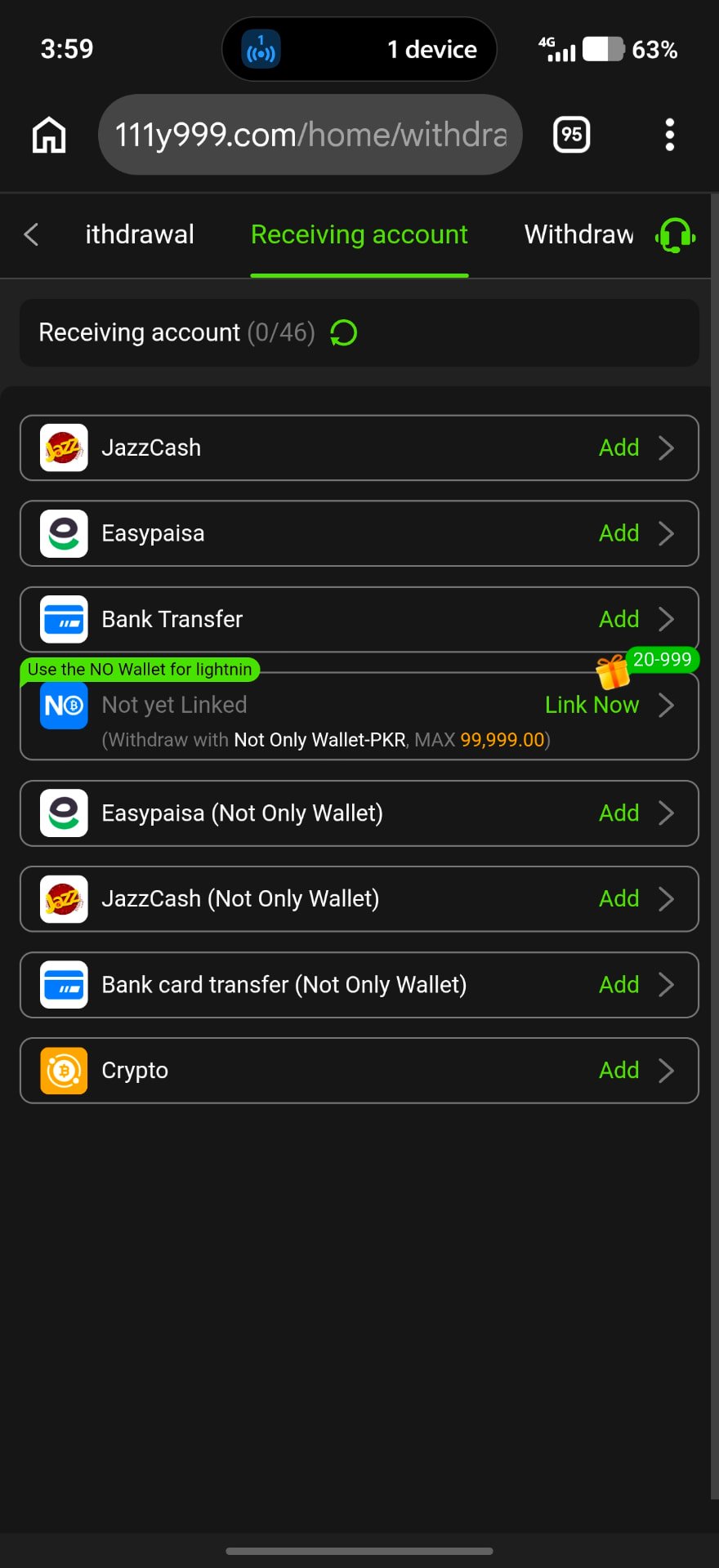
Open Withdraw
Tap Withdraw and choose Add withdrawal account.
- 2
Pick the wallet
Select JazzCash or Easypaisa from the receiving account list.
- 3
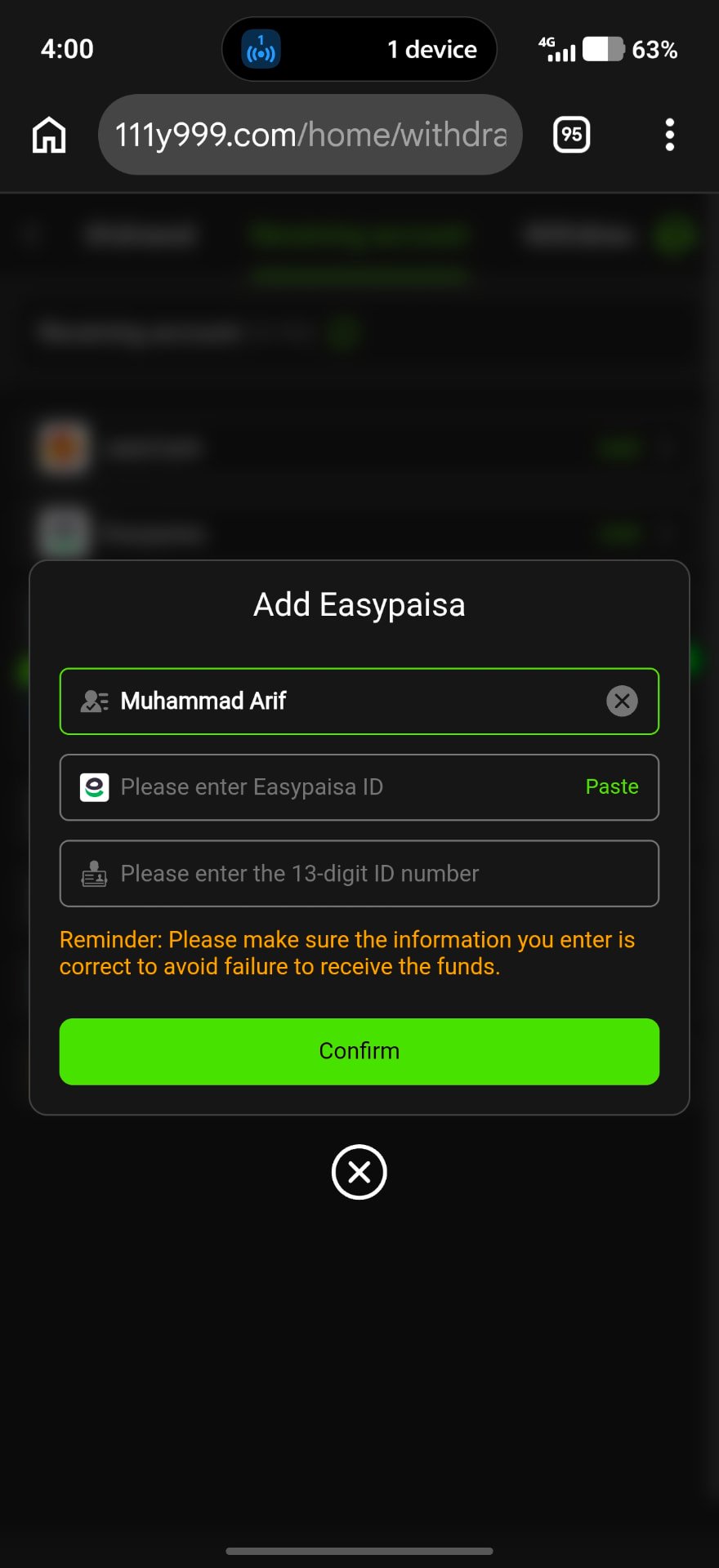
Enter your details
Type the account holder name exactly as on the wallet, the wallet number and your 13-digit CNIC.
- 4
Confirm
Check every digit, then confirm with your withdrawal password.
Why Withdrawals Get Rejected
Name mismatch
The name entered does not match the wallet owner.
Wagering not complete
Bonus balance still has turnover left.
Amount out of range
Below the minimum or above the maximum shown.
Wallet limits
The wallet has reached its receiving limit.
Wallet Safety
- Never share your wallet PIN or OTP
- Do not let others use your wallet for the app
- Keep SMS alerts on for every transaction
Frequently Asked Questions
Changes are usually handled through in-app customer service after verification.
Use the wallet you already own and verify in your name.