
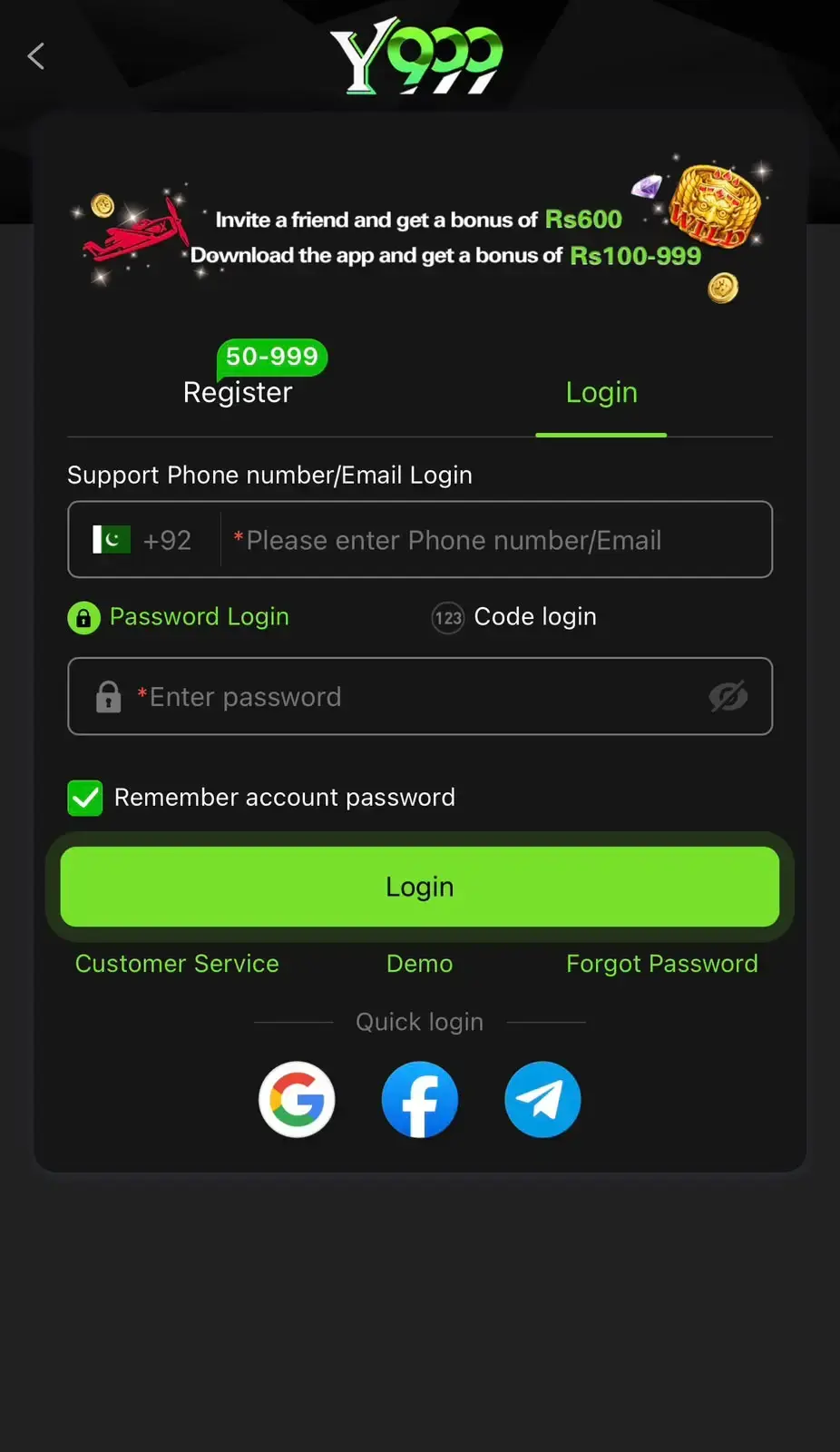
Reset Your Login Password
- 1
Open the login screen
Tap Login and choose “Forgot password”.
- 2
Enter your phone number
Use the number linked to your Y999 account.
- 3
Enter the OTP
Type the verification code sent by SMS. Never share it with anyone.
- 4
Set a new password
Choose a strong password you do not use elsewhere.
Withdrawal Password Problems
The 6-digit withdrawal password is separate from your login password. If you forget it, contact Online Services inside the app; they may ask you to verify ownership of the account.
OTP Not Arriving?
- Check the number and country code (+92)
- Wait a minute before requesting again
- Check signal and SMS inbox storage
- Contact in-app support if it still fails
Secure Your Account After Reset
- Log out of other devices
- Do not save passwords on shared phones
- Ignore messages asking for your OTP
Frequently Asked Questions
A genuine agent should never ask for your OTP or passwords.
Contact in-app customer service; they handle verification.