
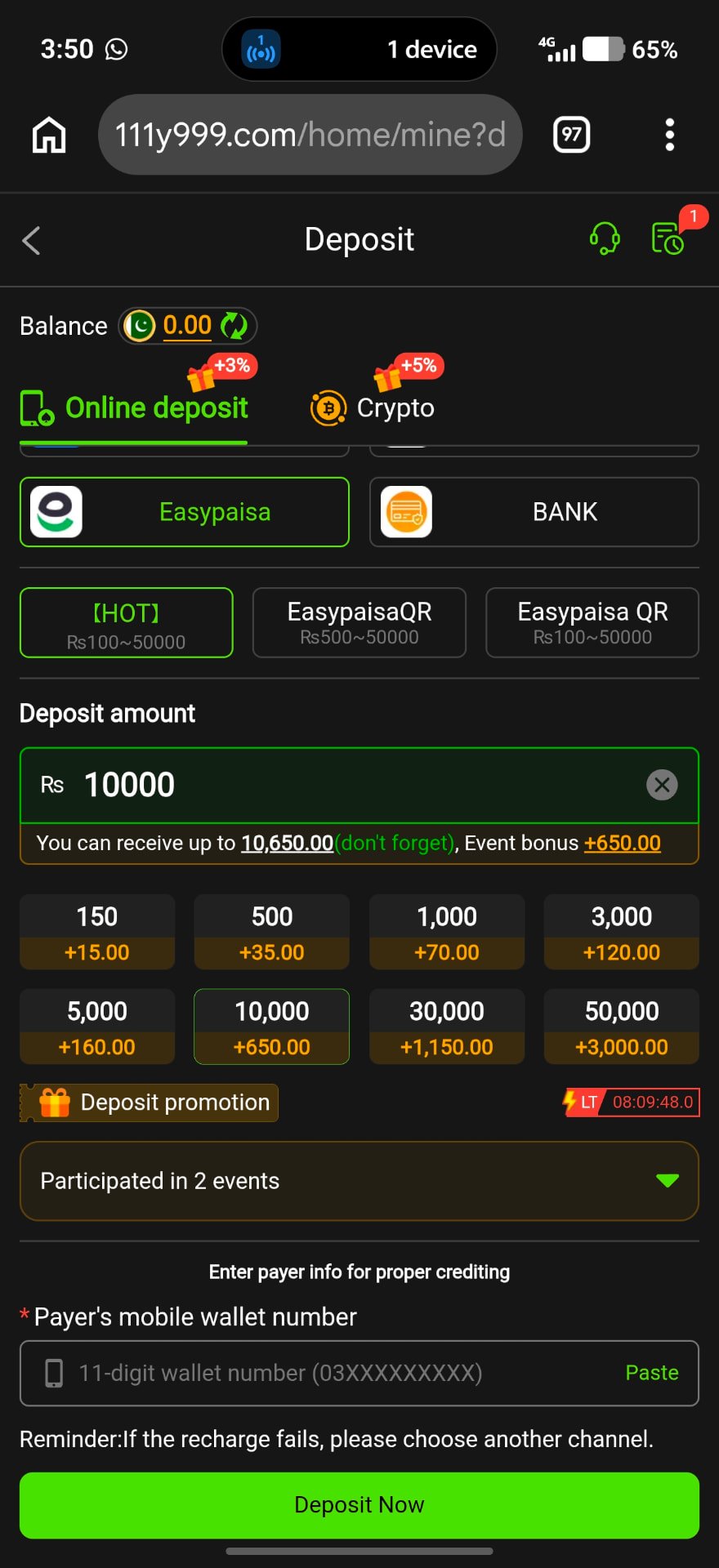
Why Deposits Get Stuck
Deposits move through a payment channel before they reach your game balance. A slow network, a wrong amount, an expired payment order or a mismatch between the order and the payment can all cause a delay.
In most cases the money is not lost; it is waiting to be matched. Reporting it with the right details is the fastest way to get an answer.
Common Reasons
Expired order
You paid after the payment order timed out.
Different amount
You sent an amount different from the one you selected.
Wrong receiving number
You reused an old payment number instead of the one shown for this order.
Network delay
The wallet or bank network is slow at busy hours.
Crypto network mismatch
The coin was sent on a different network than the one listed.
What to Do Step by Step
- 1
Wait a short time
Give the payment some minutes and refresh the balance.
- 2
Check deposit history
Open Deposit → History to see if the order shows pending or failed.
- 3
Save your proof
Take a screenshot of the wallet receipt with transaction ID, amount and time.
- 4
Contact Online Services
Send your user ID, order number, amount and receipt through in-app support.
Prevent It Next Time
- Create a fresh order every time
- Pay the exact amount shown
- Finish payment before the timer ends
- Never pay to a number sent by a stranger
Frequently Asked Questions
Check history first, then report with your receipt if it still shows pending.
No. Report the first deposit before sending more money.